
German
Felder
Anzeige
Ein Anzeigefeld beinhaltet nur lesende Informationen welche nicht bearbeitet werden können.

Barcode
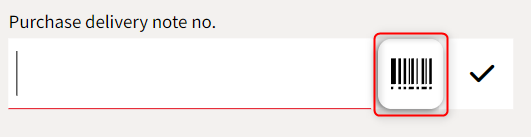
Ein Feld mit einem Barcode Symbol representiert ein scanbares Feld.
In solchen Feldern kann ein Barcode im Format GS1 oder PLX gescannt werden.
Mengeneingabe
Bei Mengeneingabe Feldern wird zusätzlich das Feldformat aus dem multiflex berücksichtigt.
Diese werden im multiflex unter "Grundlagen/Programmsteuerung/Feldformate" eingestellt.
Datum
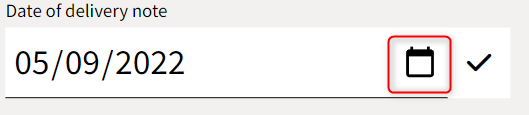
Ein Feld mit einem Kalender Symbol representiert ein Datumsfeld.
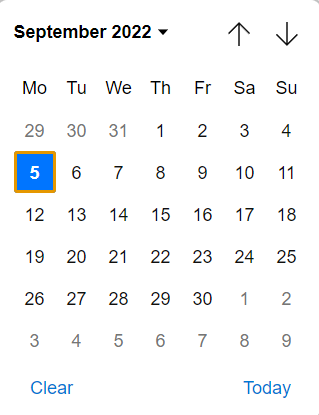
Wenn auf den Kalender geklickt wird kann ein Datum ausgewählt werden.
Button
Ein Button führt eine Aktion aus um beispielsweise einen Wareneingangsschein abzuschließen.

Sonderfunktionen
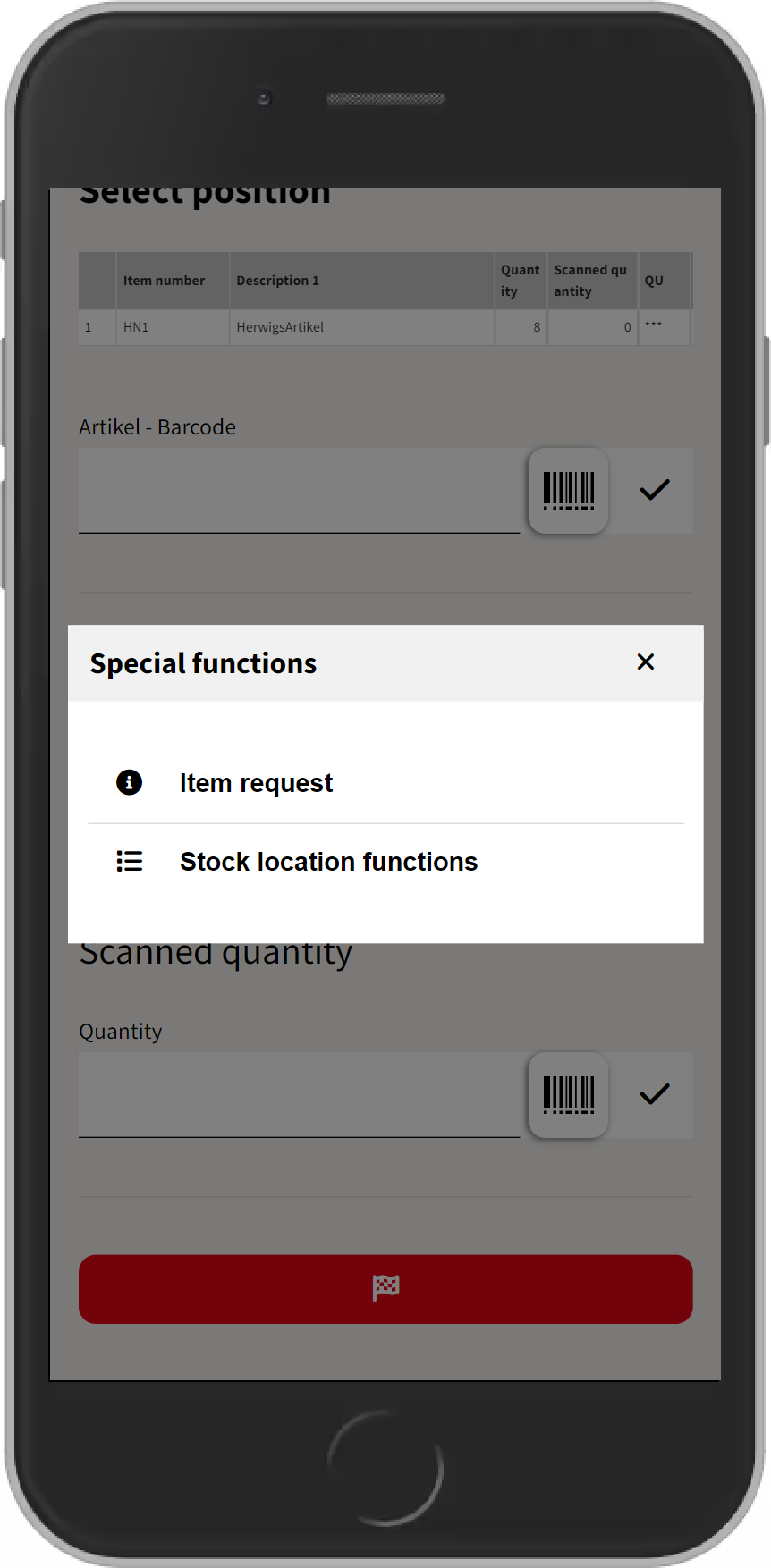
Die meisten Ansichten besitzen Sonderfunktionen welche durch ein Kontextmenü Symbol representiert werden.
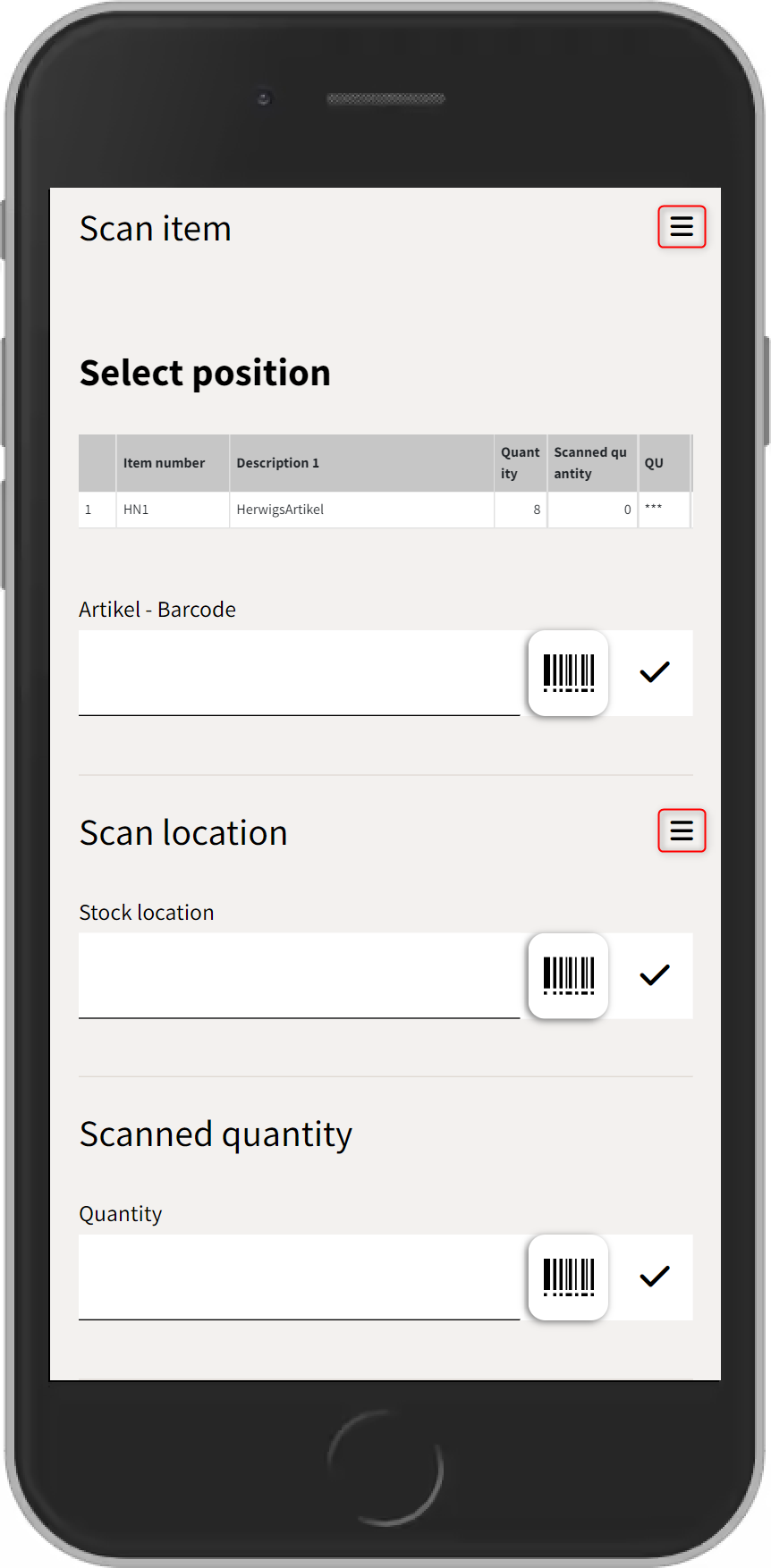
Durch Klicken auf das Symbol werden alle Sonderfunktionen dieser Ansicht angezeigt.
English
Fields
Display
A display field is just a read only text field to show some information in the current view.
Barcode
A field with a barcode symbol represents a scanable field.
Therefore a barcode either in GS1 or PLX format can be scanned.
Quantity Input
For quantity entry fields, the field format from the multiflex is also taken into account.
These are set in multiflex under “Control Panel/Program control/Field formats”.
Date
A field with a calendar symbol represents a field for inputting a date.
By clicking on the calendar symbol one can use the calendar view to select a date.
Button
A button executes a action to finish a goods received note for instance.
Special Functions
Each view has some kind of special functions. Special functions are symbolized by the context menu icon.
By clicking on the icon all special functions are shown. If there is no such context menu icon in a view then there are no special functions available in this context.